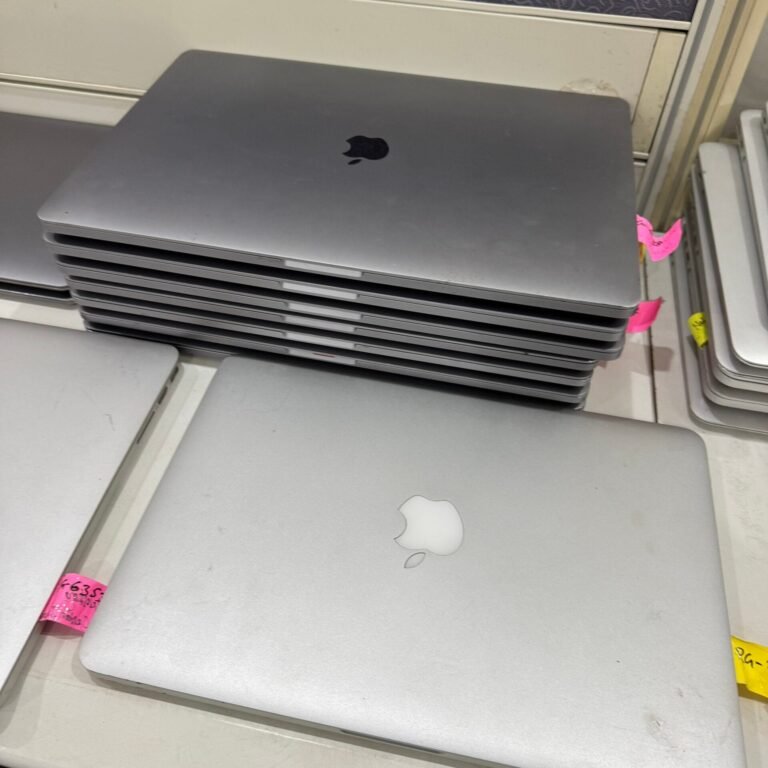
Laptops are the most common IT asset a company retires — and the most likely to leak data if handled carelessly. Here's a simple process your IT and admin teams can follow.
1. Build an inventory
List each laptop with make, model, serial number, processor, RAM, storage and condition. A simple spreadsheet works. This list helps with valuation and becomes your audit trail.
2. Back up and de-register
Make sure required data is backed up, remove devices from your management tools and disable any anti-theft or account locks so they can be wiped and reused.
3. Don't rely on formatting
Formatting or resetting a laptop does not remove data — it can often be recovered with free tools. Use certified data sanitization or, for damaged or sensitive drives, physical destruction.
4. Recover value
Business laptops that are three to five years old often still have resale value. An IT asset buyback partner can offset disposal costs — and the sooner you sell, the better the price.
5. Recycle the rest responsibly
Laptops that can't be reused should go to an authorised recycler. Their batteries, boards and screens need proper handling.
6. Close the loop
File the asset list, destruction certificate, recycling certificate and payout details together. Next time an auditor asks what happened to a laptop, you'll have the answer.
Ecofusion handles this entire process — contact us with your laptop list for a quote.