Overview
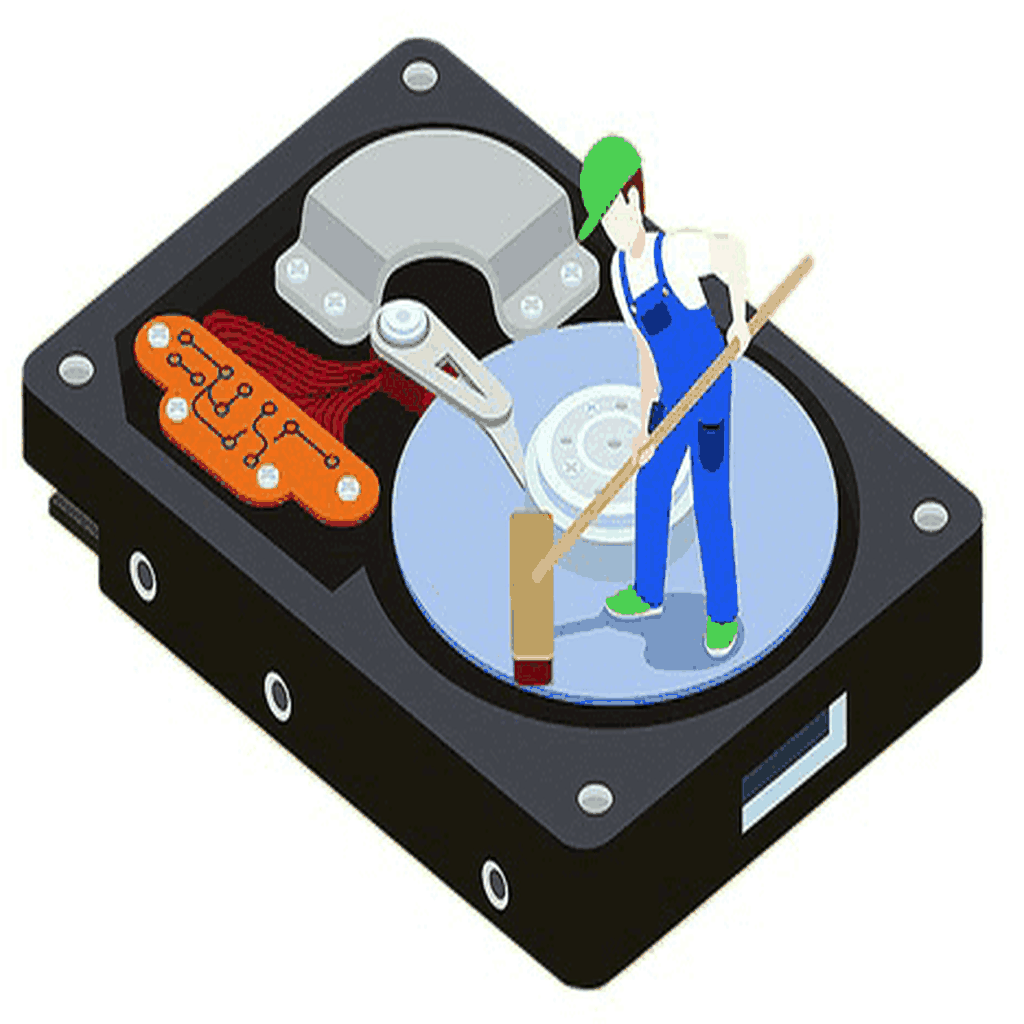
Deleting files or formatting a drive does not remove data — it only hides it. With basic recovery tools, a 'formatted' laptop can still give away customer records, financial files and passwords. Data sanitization overwrites every sector of the storage so information can never be recovered.
Ecofusion sanitizes drives using certified erasure software and verifies each wipe. Devices that pass can be reused or resold, which returns value to you, while drives that fail verification are physically destroyed.
What our data sanitization includes
HDDs & SSDs
Multi-pass overwrite for magnetic drives and secure erase for SSDs.
Laptops & desktops
Drives wiped in-device or after removal, as per your policy.
Servers & storage
RAID arrays, NAS and SAN drives sanitized in bulk.
Mobiles & tablets
Factory-level secure reset with verification for phones and tablets.
Verification
Every wipe is verified; failed drives move to physical destruction.
Certificate of Destruction
Serial-number-wise report signed and issued to you.
Why businesses choose Ecofusion
- Certified erasure with verification for each drive
- On-site option — data never leaves your premises unwiped
- Wiped devices retain resale value
- Failed drives physically destroyed
- Supports your data protection and audit obligations
- Part of our full ITAD and recycling service
Sanitization or physical destruction?
If a device will be reused, resold or donated, certified sanitization is the right choice — it protects your data and keeps the asset valuable. If a drive is damaged, very old or holds highly sensitive data, physical destruction (shredding) is safer.
Many clients use both: sanitize what can be reused, shred the rest. See our secure data destruction service for shredding options.